inICON Studio
DESIGN · TAG · EXPORT
Build app icons from your own artwork and text, tag every build DEV, BETA or NIGHTLY,
and export exactly what Xcode, Icon Composer, Finder and the web need.
How it works
- 01
Start from your artwork
Pick a canvas colour, drop in SVG, PDF or transparent PNG artwork, and add text.
- 02
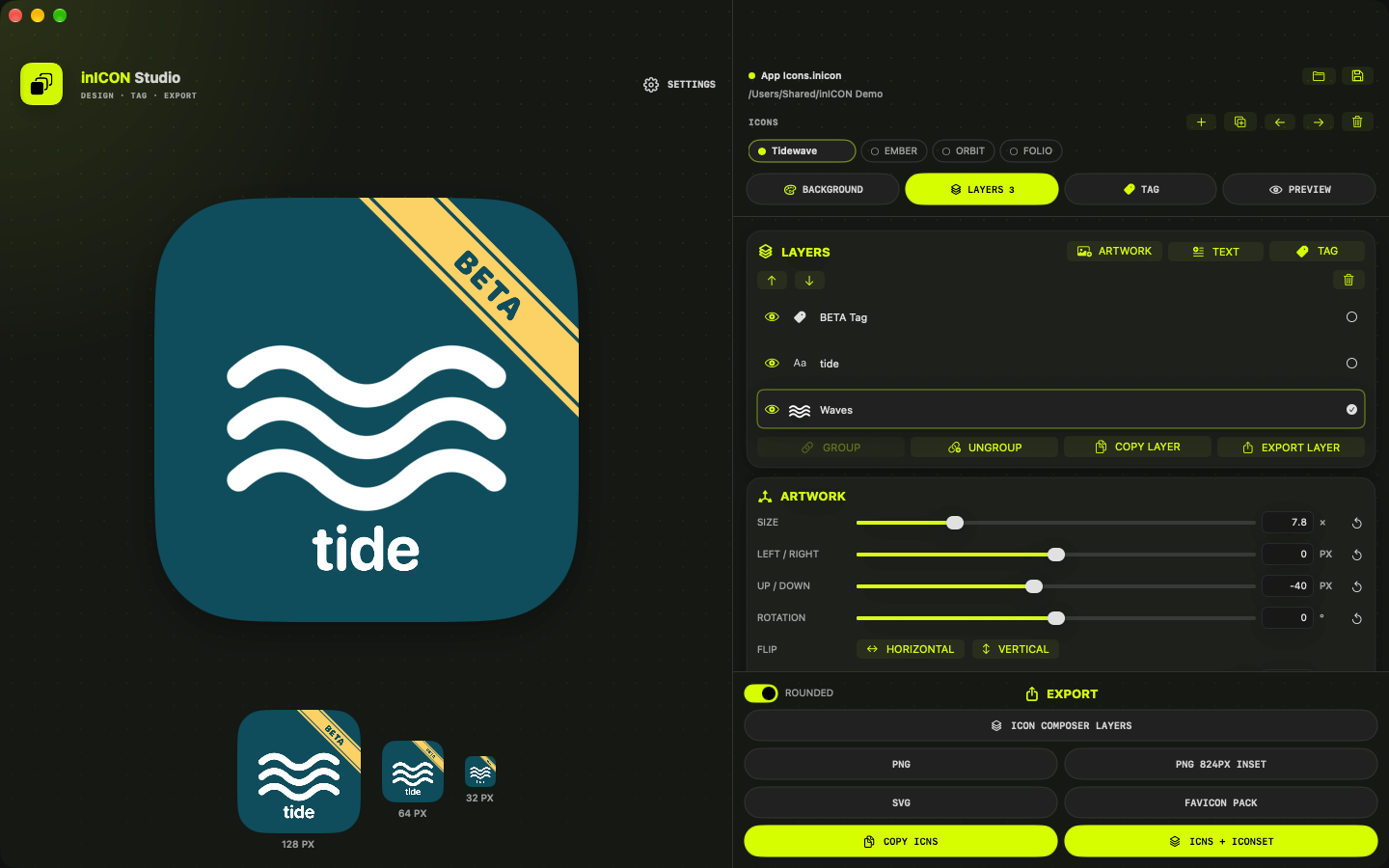
Tag the build
Add a DEV, BETA, TEST, NIGHTLY or RC ribbon, or your own text, so builds never look alike in the Dock or Finder.
- 03
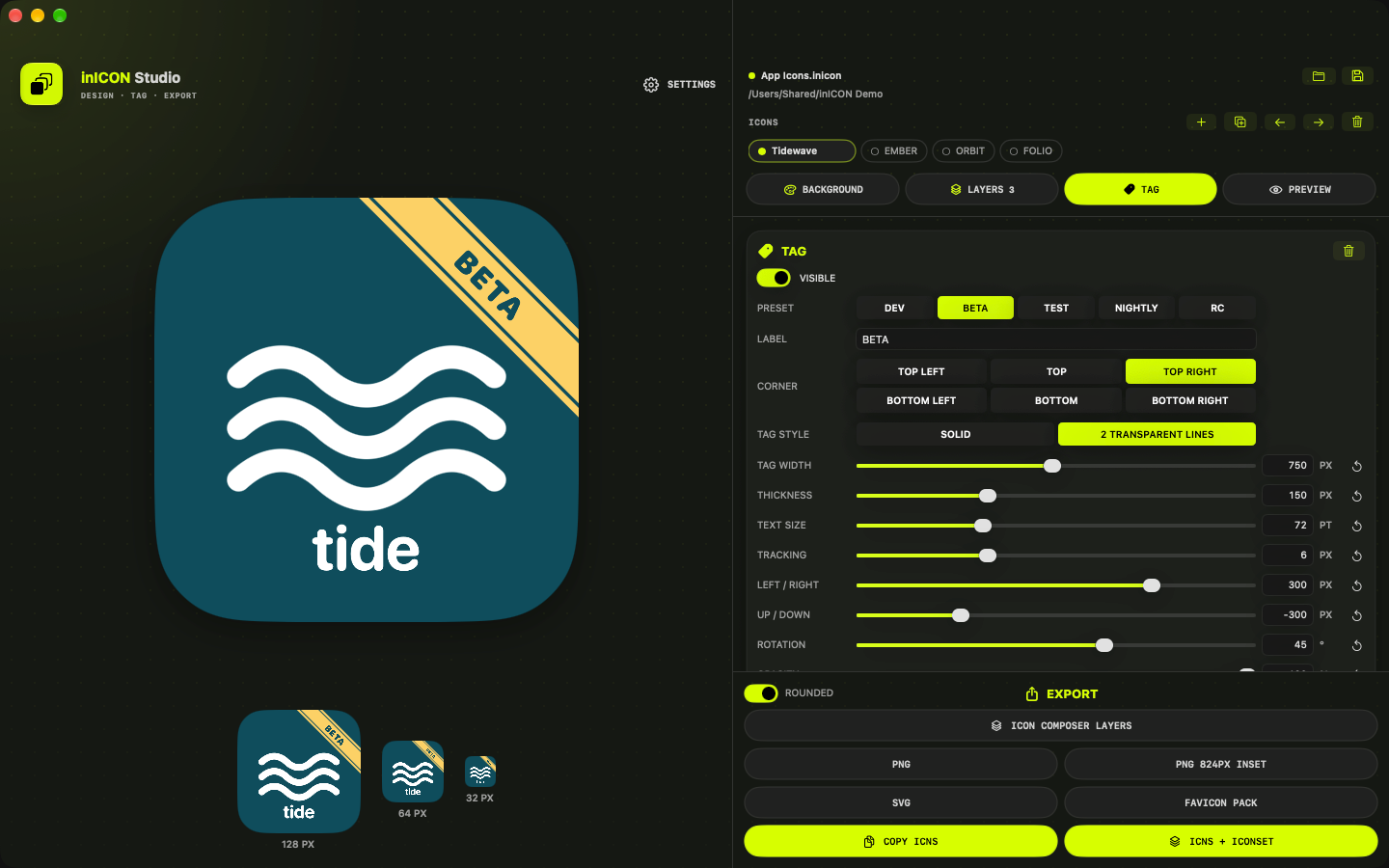
Fine-tune every layer
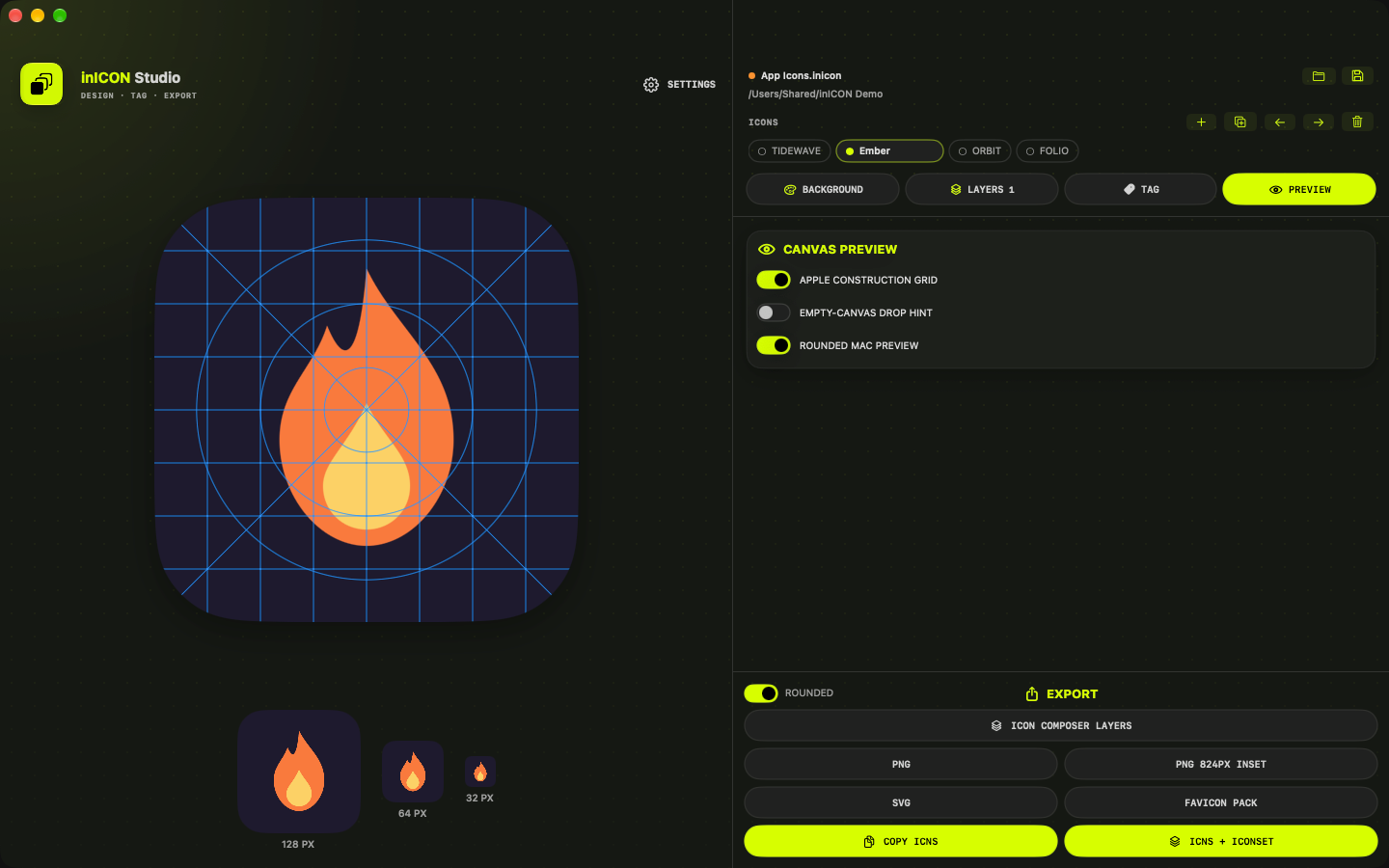
Position, group and tint layers, and check the 128, 64 and 32 px previews as you go.
- 04
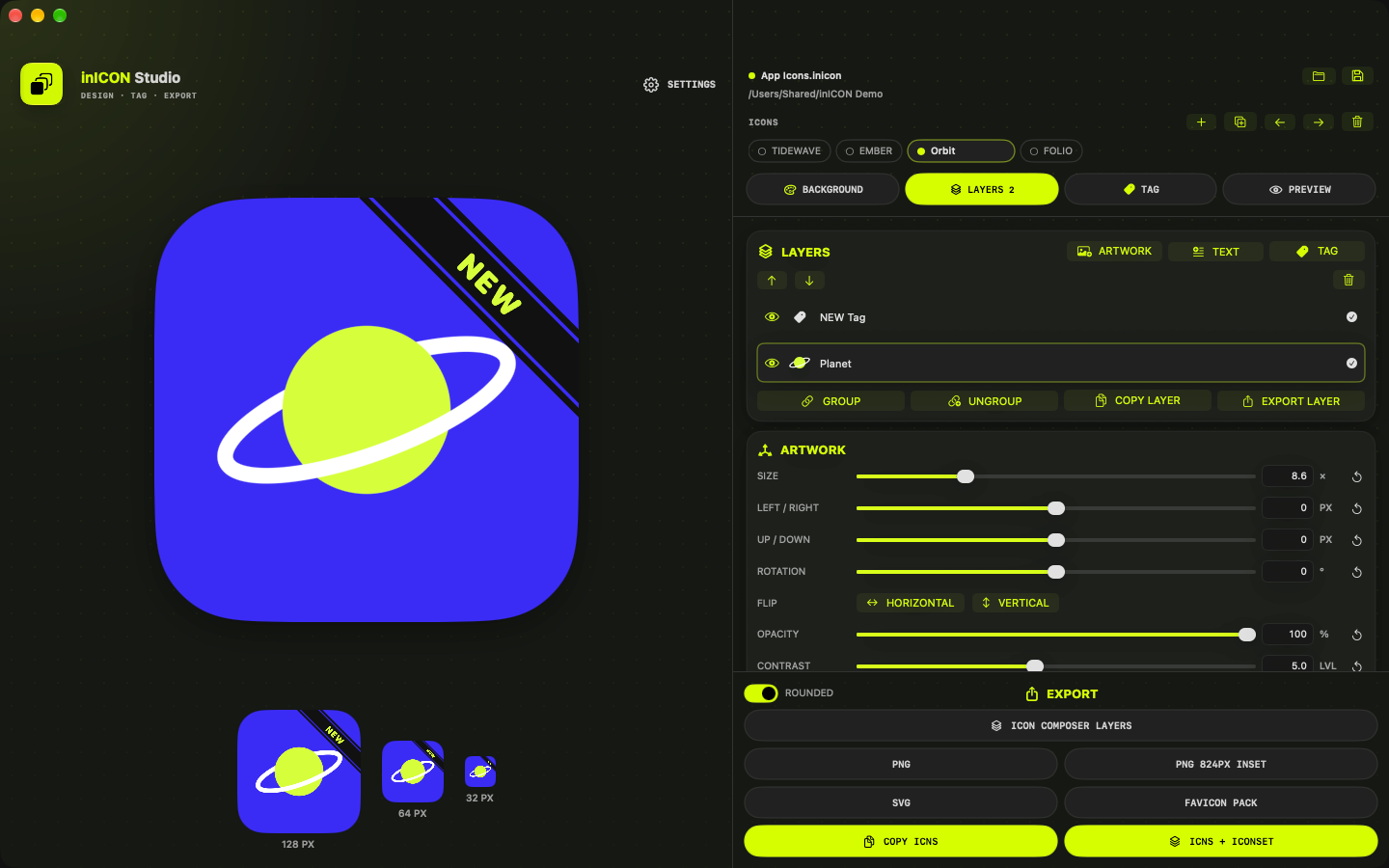
Check and export
Line it up on the construction grid, then export Icon Composer layers, PNG, SVG, ICNS or a favicon pack.
Export
- Icon Composer layers (ordered 1024 × 1024 PNGs)
- 1024 PNG master and 824 px inset PNG
- SVG, with vector layers kept as vector
- Iconset and ICNS, or an ICNS straight to the clipboard
- A favicon pack for the web
- Any single layer on its own transparent canvas
Built for app makers
- Dev tag ribbons: DEV, BETA, TEST, NIGHTLY, RC or your own text
- Several named icons together in one editable project
- Small-size previews while you work
- Everything stays on your Mac: no account, no uploads
- Sandboxed: it only opens the files you choose
Details
- Version
- 1.6
- Requires
- macOS 26 or later
- Category
- Graphics & Design
- Projects
- Editable .inicon files
- Data
- Not collected