
inSIGN Kiosk
ONE FILE · FULLSCREEN · DONE
One image or one looping video, fullscreen on any screen: shop menus, posters, lobby and event signs.
Set it once and leave it running.
How it works
- 01
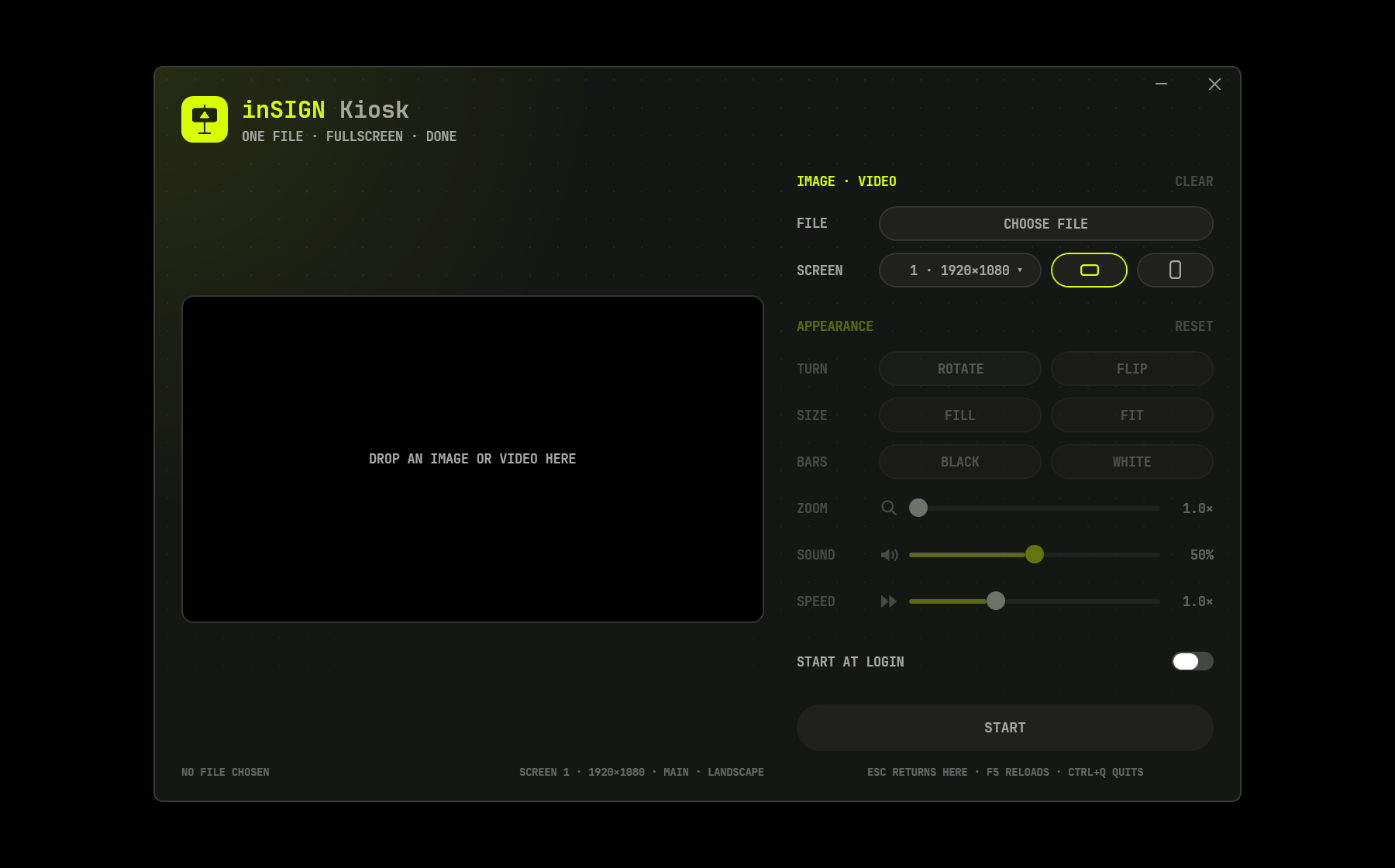
Choose a file
An image or a video. Drop it on the preview, or click Choose File.
- 02
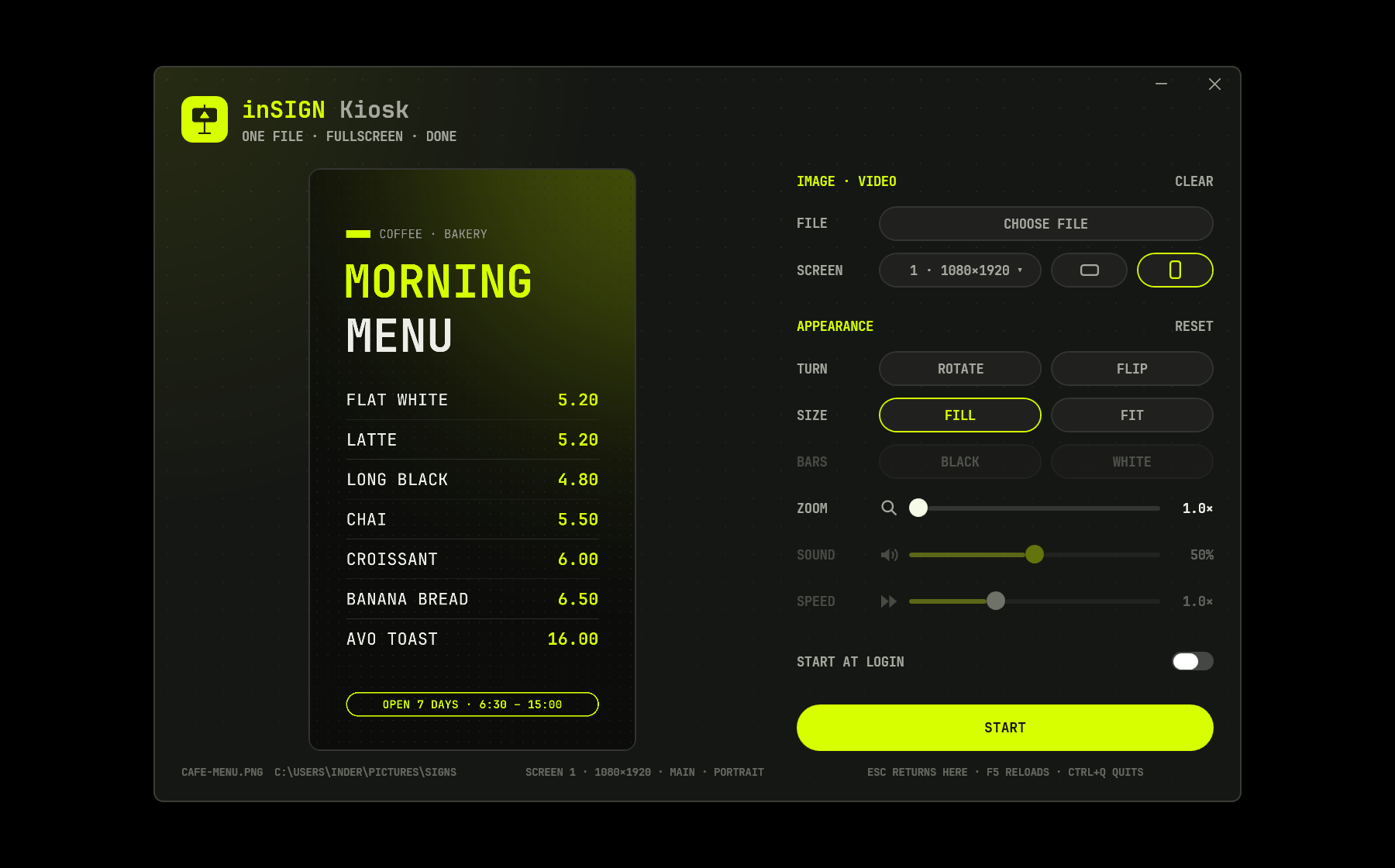
Pick the screen
Choose the display and how it stands. A portrait screen gets a tall preview, exactly as people will see it.
- 03
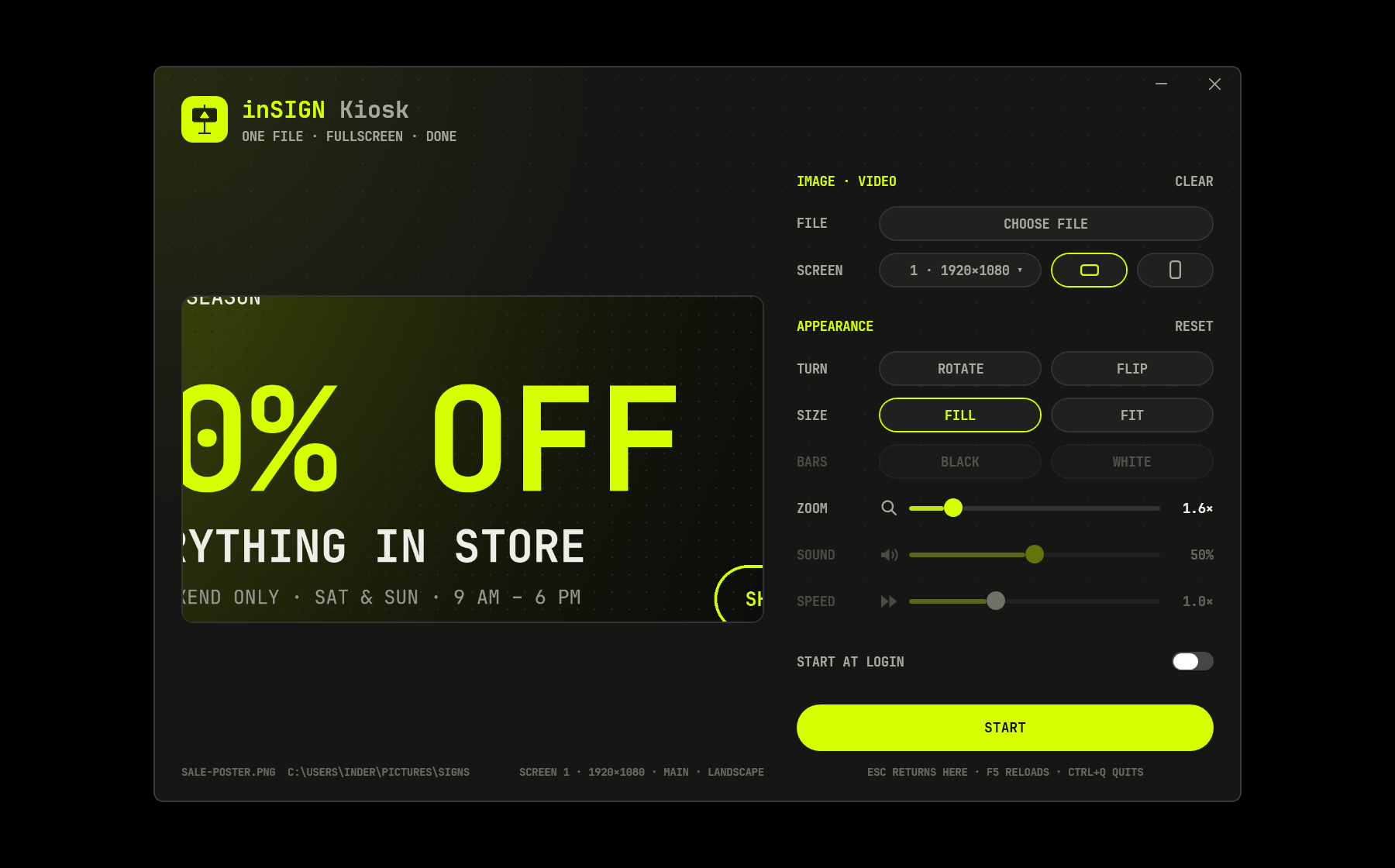
Set how it looks
Fill or Fit, black or white bars, Zoom up to 5× and drag to choose the part that shows. Rotate, mirror, sound and speed too.
- 04
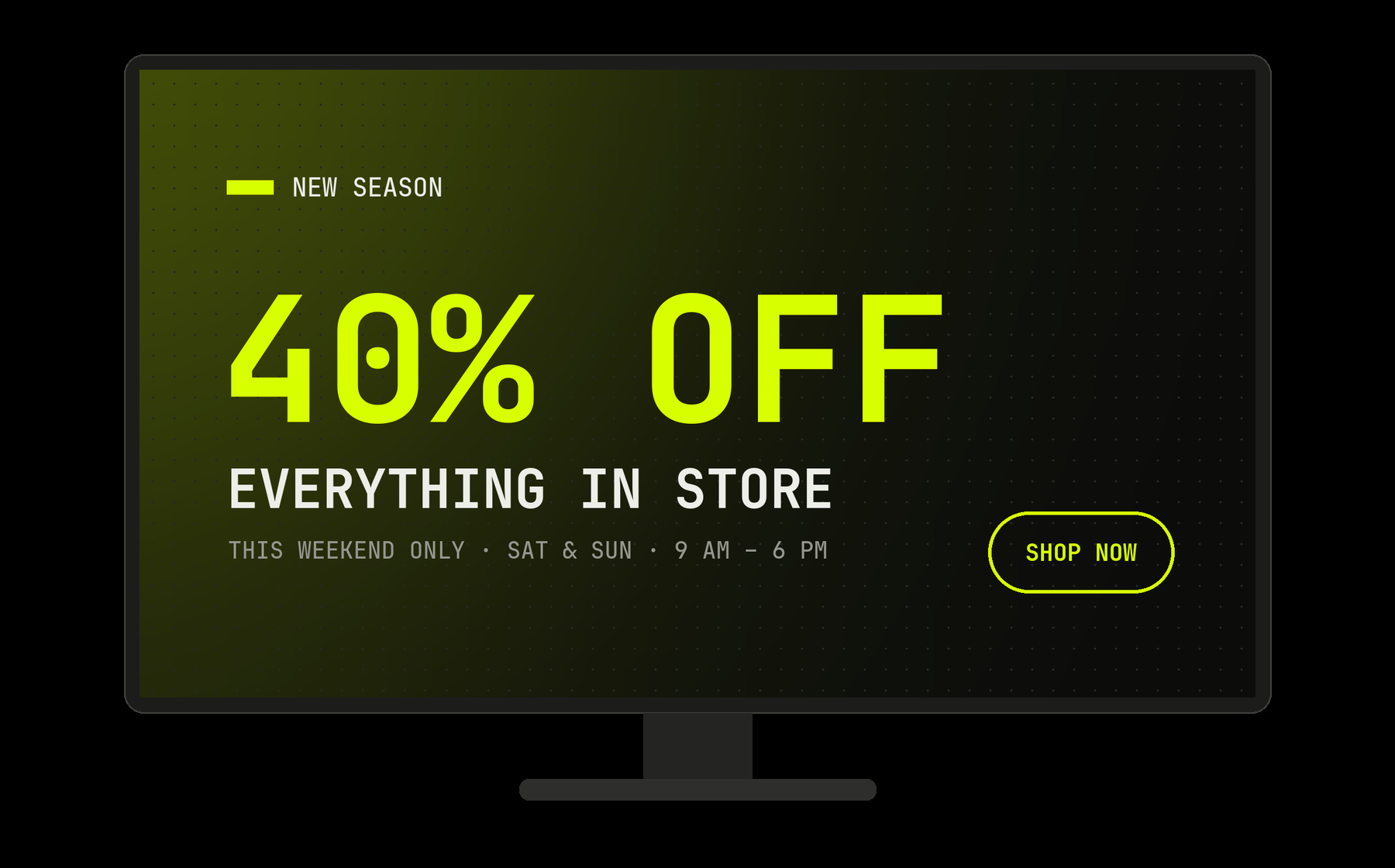
Press Start
It goes fullscreen and stays there. The screen stays on, and Esc brings you back to setup.
What it does
- Shows one image or one looping video, fullscreen
- Works on any display, landscape or portrait
- Fill, Fit, Zoom and drag, Rotate and Flip
- Video sound and speed, heard in the preview too
- Replace the file and the screen updates by itself,
even from another PC over a shared folder
Built to run unattended
- Start at login, straight into the show
- The screen stays on: no sleep, no screensaver
- A half-copied or broken file never replaces the one showing
- If the show crashes or freezes, Windows starts it again
- Runs as a normal user, no admin rights needed
Details
- Version
- 1.0
- Requires
- Windows 10 (1809) or Windows 11
- Processors
- x64 and ARM64
- Mac
- Coming later
- Data
- Not collected